



Why connectivity matters
We pride ourselves in providing the best customer experience of our solutions and take a consultative approach to our work. We will start our conversations with you by understanding your current internet set- up and working out if we need to improve them. This is based on what you expect when you connect and our own knowledge of what networking infrastructure is then required.
We know that connectivity is key to all areas of modern life. Nobody wants their internet to drop off while they are on a Teams or Zoom call or when streaming the latest blockbuster movie or sports event.
With our expertise you should have a seamless experience wherever you are on your property, whether this is a large country estate or a commercial site.
We developed our expertise initially as we did not want our security systems to spoil your internet experience. When you contact us therefore, you can be sure we are taking the same approach we do for all our work. This is about understanding your needs, your property’s challenges, and how we can then deliver what you expect.
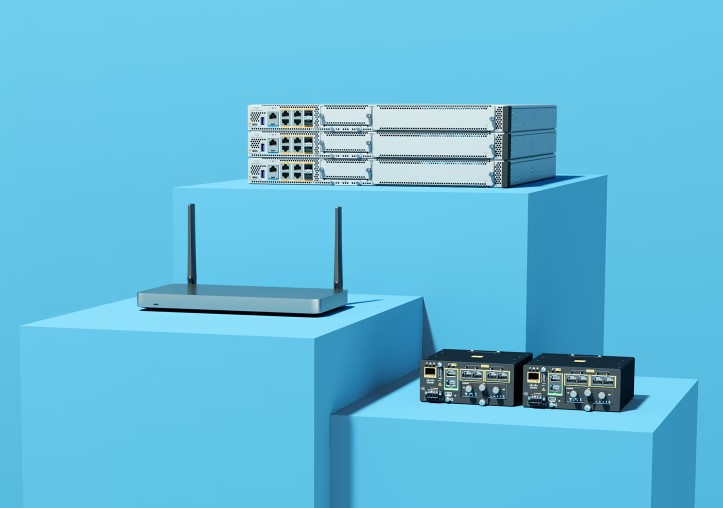
Networking
Our aim is to provide our clients with easy access to local and remote systems via their network infrastructure.

Wireless
Using cloud technology we can enhance the wireless experience ensuring seamless roaming and faster access to data.
Our connectivity partners
Cisco leads the way in digital technology
Cisco enables us to offer hard-wired and wireless technology to build reliable networks and improve internet connectivity within a range of properties, rural estates and organisations. Additionally through its subsidiary Meraki organisations can manage wireless, switching and routing from a single, cloud-based dashboard with unified visibility across their networks.

Peplink routers keep you connected
Being connected, and able to work wherever you are, has become more important than ever. We offer routers that include technology that will ensure that if one data connection fails it will quickly pick up another network so that users do not lose connectivity. Additionally, you can centrally manage the devices that are remotely connected to your routers.

Starlink satellites allow the internet to spread
Starlink has led the development of low-earth orbit satellite (LEO) technology and we are now using this to support clients to improve connectivity in more remote locations. Our partner, Peplink, says that by combining their solutions with Starlink’s, issues of internet cost, speed and reliability can be solved in even the most daunting of physical conditions.
Developing resilient networks
We can support the development of local area and wide area networks. A local area network (LAN) is a collection of devices connected together in one physical location, such as a building, office, or home, while a wide area network brings these LANs together. Switches and routers are vital to networks and these can be managed via cloud-connected platforms while edge routers or platforms are devices for connecting and securing enterprise traffic to the cloud.
Improvements in connectivity have been driven by the latest developments in Wi-Fi technology and mobile broadband internet. Together they provide the ability to maintain stable connections across large facilities so that IoT devices, automated systems, and inventory tracking tools can function without interruption, improving operational efficiency and reducing downtime.
Our clients have benefited from both hard-wired and wireless technology to build reliable networks and improve internet connectivity within a range of properties, rural estates in particular, and organisations. We can also provide mobile data SIMs which support connectivity if the primary internet connection fails.

Wi-Fi 7: The new era of connectivity
Wi-Fi 7 provides organisations with the ability to have more efficient networks as well as faster connections, while also providing effective cybersecurity.
The rise of cloud computing, AI, IoT, as well as virtual reality (VR) and augmented reality (AR) that require higher bandwidths, has been a key driver in the development of Wi-fi 7. The first release of Wi-Fi 7 was in spring 2024 and the second is due by the end of 2026.
The standard provides organisations with the ability to have more efficient networks as well as faster connections, while also providing effective cybersecurity. The rise of cloud computing, AI, IoT, as well as virtual reality (VR) and augmented reality that require higher bandwidths, has been a key driver in the development of Wi-fi 7.
The key benefits of Wi-fi 7 are reduced latency and buffering, which means networks are better able to cope with the demand for seamless access but also provides the opportunity for VR and AR to be used more widely.
The benefits of 5G
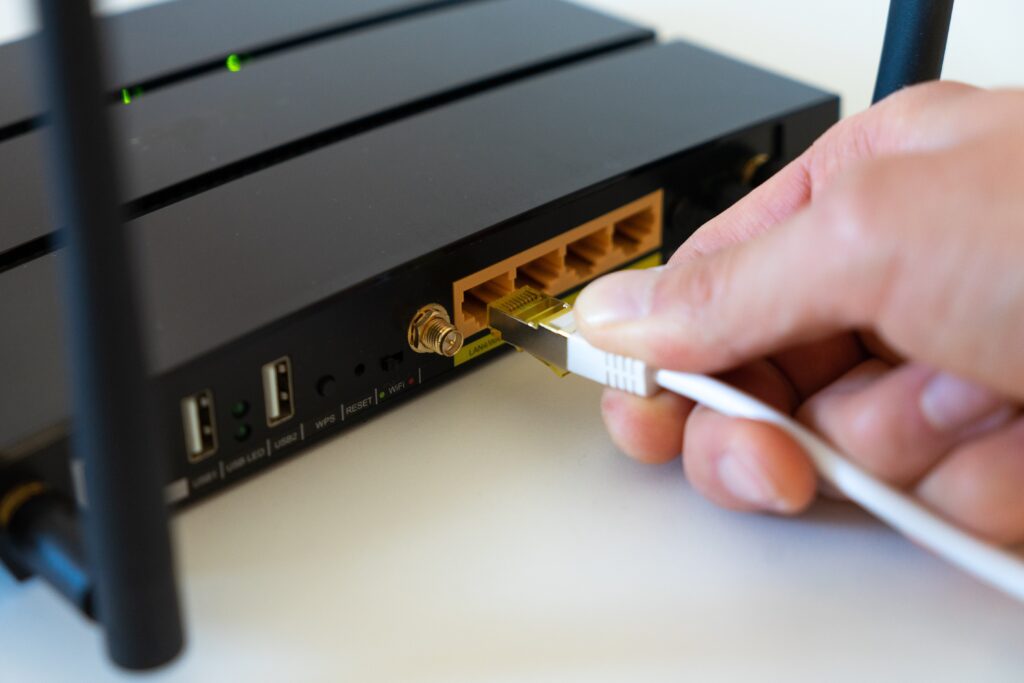
5G is the fifth and latest generation of mobile broadband internet, offering faster speeds, as well as higher capacity, lower latency, increased flexibility and increased reliability of connections. 5G can also connect a much larger number and variety of devices.
- More reliable Internet connections – A 5G router with “dual WAN” capabilities can use a wired connection and a 5G connection together so that the Internet stays up, even when the wired connection goes down.
- Easier installation and setup – 5G routers can be truly plug-and-play, where you simply plug in the router and it connects to the Internet over the 5G cellular network, and creates a local WiFi connection you can use with your local devices such as computers, laptops and mobile devices.
- A reliable backup for fibre optic Internet –If you lose Internet your connection can be instantly switched over to the 5G cellular network.
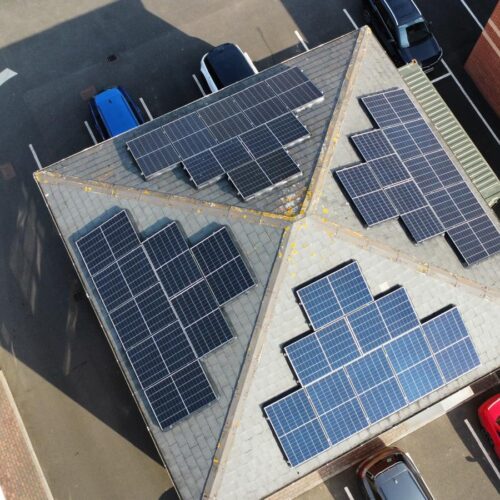
Ecl-ips’ Commitment to Net Zero
We’re cutting our carbon emissions with a 14kW solar system that halves office energy use and saves money too. This is just start of Ecl-ips supporting the UK’s 2050 Net Zero goal.

~4 tonnes
Annual CO₂ emissions avoided

14kW
Solar PV system capacity

50/50
Energy consumption offset


We offer business connectivity solutions to meet your needs.
Request a call with one of our experts
Your information will only be used to make contact with you about this enquiry. The data in this form will be sent to us over email.
Frequently Asked Questions
What is a local area network (LAN)
A local area network (LAN) is a collection of devices connected together in one physical location, such as a building, office, or home. A LAN can be small or large, ranging from a home network with one user to an enterprise network with thousands of users and devices in an office or school.
Traditionally a LAN comprised of cables, access points, switches, routers, and other components that enable devices to connect to internal servers, web servers, and other LANs via wide area networks. The advantages of a LAN are that devices can use a single Internet connection, share files with one another, print to shared printers, and be accessed and even controlled by one another. It wasn’t until the wide deployment of Wi-Fi technology that LANs became commonplace in nearly every type of environment. Wireless connectivity has also greatly expanded the types of devices that can be connected to a LAN. Now, nearly everything imaginable can be “connected,” which includes the surveillance cameras, smart sensors and security systems we offer.
The rise of virtualisation has also fuelled the development of virtual LANs, which enable network administrators to logically group network nodes and partition their networks without a need for major infrastructure changes.
What is a Wide-Area Network?
A wide-area network (WAN) is essentially a network of networks: a collection of LANs or other networks that communicate with one another. Today, there are several types of WANs that touch virtually every aspect of modern life. The internet as a whole is a huge, international WAN.
Data transmission takes place via packet switching whereby a message is broken into several parts, called packets, that are sent independently, in triplicate, over whatever route is optimum for each packet and reassembled at the destination. A router is a networking device typically used to interconnect LANs to form a wide area network (WAN) and as such is referred to as a WAN device. IP routers use IP addresses to determine where to forward packets. An IP address is a numeric label assigned to each connected network device.
What is a switch?
Switches facilitate the sharing of resources by connecting together all the devices, including computers, printers and servers, in a small business network. Thanks to the switch, these connected devices can share information and talk to each other, regardless of where they are in a building.
What is a router?
Just as a switch connects multiple devices to create a network, a router connects multiple switches and their respective networks to form an even larger network. Ultimately, a router works as a dispatcher, directing traffic and choosing the most efficient route for information, in the form of data packets, to travel across a network.
You can trust us to select the right equipment to develop your network successfully. As a cloud-first provider we recommend cloud-managed switches from Cisco Meraki. This offers a single dashboard giving you the ability to manage everything on your network, from access points to switches to security.
What is Ethernet?
If two or more connected devices on a shared network attempt to transmit data packets at the same time, a packet collision occurs. Ethernet technology provides rules that allow network-connected devices to talk to one another without packet collisions. Ethernet is associated with connected devices in a wired LAN or WAN. Using a wired Ethernet cable, devices are connected to an Ethernet switch. Ethernet has the ability to use both wired and fibre cables, delivering not only data but also power
What is an edge router?
What is a Gateway?
A gateway is a device that connects different networks with varying communication protocols, acting as the “gate” between them. Its primary role is to translate data between two incompatible networks, enabling devices that otherwise couldn’t communicate to share data. Historically, gateways and routers have been separate devices. However, it’s becoming more common for their functions to be combined and simply called a router. A network gateway is commonly used to provide LAN or WAN access to the internet. Use for network gateways include:
- Internet of things (IOT)
- Cloud Storage
- Application access
- Cellular access